THE COMPANY BRAIN / OPEN DEMO
Go beyond the chat.
See the system.
Explore the knowledge, people, and rules that turn AI into useful work. This sample workspace opens the hood on the systems I build for teams.
Browse real artifacts from a fictional company. Nothing here calls a live AI model.
IN THIS WORKSPACE
- 352 documents
- 173 folders
- 27 skills
- 40 approved documents
- 20 views
START WITH THESE FIVE
Read these first.
Five documents that explain everything else. Each opens in a new tab.
01 / THE CONSTITUTIONThe Constitution
The first file the AI reads every session: the load order, the trust order, the routing table, and the ten hard rules.
Open ↗02 / THE RULESGuardrails, the hard limitsThe lines the system cannot cross: unknown over guess, the approval gate, one authority file per fact, brand by token only.
Open ↗03 / THE BRAND OSThe Brand OS Master TemplateOne brand-neutral master. Every client brand system is a clone of it with a real identity poured into the slots.
Open ↗04 / ONE SKILLPrompt enhancer, the front doorThe skill that runs silently on every request, scores the ask, and questions it before any work starts.
Open ↗05 / THE MEMORYThe decisions logEvery decision with its date, approver, and status. A superseded decision stays on the record, marked, so the reasoning is never lost.
Open ↗CHOOSE YOUR WAY IN
Less explaining. More exploring.
A GUIDED EXAMPLE / NO LIVE GENERATION
One request.
A visible path to review.
Follow an example welcome-letter request through the system. Each stage points to an actual sample document you can inspect.
01 / 04
KEEP EXPLORING
From the first question to a working team.
Go deeper into the architecture Operating loop · Component map · Graph engineering
01 · What This Is
What this is, and how it helps you
When a company’s story changes — a rebrand, a launch, a new line — every letter, page, and phone script has to carry it accurately. The brain is the team's shared system for getting that done: it holds what's true, how we sound, and what's approved — and it does the production work alongside you. You talk to it like a colleague; it answers from the library, never from guesswork.
01 · THE LIBRARY
One source of truth
Every fact, price, claim, voice rule, and brand decision lives in one governed library. Ask anything — the answer comes back sourced. When something isn't known yet, it becomes a numbered question for the team instead of a guess in your copy.
02 · THE GUARDRAILS
Guardrails, built in
You don't have to carry the rules in your head. The system loads them every session, scans every deliverable before handover, and refuses anything the rulebook forbids. Work at full speed; the guardrails catch the slips.
03 · THE WORKHORSE
It does the heavy work with you
Ask for a letter, a page, a deck — it drafts from approved templates in our voice, saves to your Work Zone, and routes to approval. The big jobs, like the 1,200-file collateral rebrand, run as supervised agent fleets with a person approving every batch.
02 · How It Works
The operating loop
Every request runs the same seven-step line — no shortcuts for "quick" pieces. Position in the folder tree IS approval status, so nothing ships by accident.
01 ASK
The request
Anyone in the team asks for a deliverable, a fact, a plan.
02 ENHANCE
Silent intake
The prompt-enhancer scores the ask; thin requests get 2-3 sharp multiple-choice questions.
03 ROUTE
The constitution
CLAUDE.md's routing table opens exactly the right rules and facts. Never crawls, never wanders.
04 GROUND
Facts by authority
Pricing from one file. Claims from one file. Trust order: Approved > Facts > Work Zone. Everything else is UNKNOWN.
05 BUILD
Adapt, never invent
Skills copy a gold-standard reference and adapt it. AIs diverge when designing, converge when adapting.
06 SCAN
The gate
The pre-delivery scanner: banned terms, leak tripwires, dash policy, raw hex. Exit code, not opinion.
07 APPROVE
The chain
Work Zone → review queue → Jordan* → Avery*. Only a human promotes to Approved. Nothing is ever deleted.
03 · Inside the Brain
The component map
Every layer, what it holds, and what it's waiting on. Cards link straight into the live documents; the burger menu opens the working views.
Governance
The Constitution
CLAUDE.md: 8 sections the AI loads every session — identity, load order, the routing table, trust order, ten hard rules, the output checklist, and the approval roster. A generated AGENTS.md mirror serves any other AI.
10 hard rules · 17-row routing table · regenerated, never hand-edited
Rules · 33 files
How to act
Guardrails (12 hard limits), master thinking-order, house style, the voice trio (brand voice, approved phrases, banned phrases with the internal/external message wall), 7 writing tones, 4 target audiences, 5 channel styles, and 6 output-type direction files that script entire builds.
7 tones · 4 audiences · 6 build playbooks · message wall enforced
Facts · what's true
The fact layer
Company overview, two authority files (pricing and claims — the only sources a number or credential may come from), the launch layer (Day-1 playbook, retention engine, media & PR plan), the decisions log, team + escalation tiers, competitors, and distilled meetings.
2 authority files · 3 launch playbooks · every fact sourced
Skills · 28 folders
What it can do
15 generation skills (decks, emails, microsites, price sheets, welcome kits, one-pagers…) each built to copy a gold-standard reference — activating at brand-lock. Plus the CEO presentation style, the prompt-enhancer front door, and the quality-control script suite.
27 skills (18 gated on brand-lock) · 45 agents on the team, 19 running
Brand · Atlas v3.0
The Brand OS
Six named colours, each shipped with the contrast ratio it was measured at and the failures written down as laws — no red, no text-legal orange on light, no seventh value. One mark redrawn for every size it has to survive, five approved lockups, and four type faces with one duty each. Delivered as a standalone document the whole system re-renders from when a single value is repointed.
6 colours · 5 derived formulas · 5 lockups · 4 icon drawings · 4 type faces contrast measured 2026-08-13
Launch copy · 7 pieces
The send-ready library
Every drafted launch piece filed verbatim from the GTM: CEO all-staff emails, customer letters (new accounts + existing accounts), the 5-email nurture sequence, crisis call scripts, the press release draft, rep talk tracks, vendor letters. All approval-gated, all slot-marked for open decisions.
7 pieces · approval + endorser-line gate on every send
Work Zone → Approved
The approval lifecycle
Eight personal zones (Jordan*, Avery*, Sami*, Morgan*, Josie*, Dana*, Nora*, Emmett*), five simple folders each: My Space, Active Projects, Send for Approval, Save for Later, Archived. The review queue holds 6 launch drafts, every one fleet-verified line-by-line before human review. Approved/ holds canonical truth in 12 categories and fills only by promotion.
8 zones × 5 folders · 6 drafts in review · QA'd 2026-08-08
Registers · always current
Memory & accountability
A mandatory changelog, the session work log, the setup-question ledger (57 tracked — the brain files questions instead of guessing, and the Questions page is answerable in place), the dated roadmap, and the rebrand migration plan with real counts.
57 setup questions tracked · every change dated · nothing ships unlogged
Coming layers
Hub, plans & reference
The team Hub (11 pages + a branded tool suite, 10 people seeded in its data model) waits on launch day by design. Three strategic plans map Apex parity and the migration. A 5 GB Apex reference library feeds the rebrand — local-only, never uploaded.
Hub gated on launch · 3 plans active
04 · The Engine
Graph engineering: the wide-work engine
The newest organ, installed Aug 8. The brain doesn't just write — it runs coordinated fleets of agents on work too wide for any single session, with independent verification wired into every run.
Fan out. Verify with fresh eyes. Merge one answer.
Wide jobs split into parallel workers — one per file, per draft, per partner kit. Every result is then attacked by independent verifier agents that never saw the worker's reasoning, across three lenses: rules, facts, and voice.
Every run counts its returns (a silent failure can't hide in a complete-looking report), anchors on signals that can't be argued with — the scanner's exit code, the authority files — and ends at a human gate. Fleets do the breadth; Jordan* and Avery* keep the judgment.
every spawned agent inherits the constitution — a worker that never read the rules is a leak vector
SPEC 1 · FLAGSHIP
Migration batch sweep
The 1,200-file Apex→Custom LLM rebrand, one partner kit per run: parallel piece-by-piece rebuild, triple-lens verify, Jordan* reviews one batch report.
STAGED · FIRES AT BRAND-LOCKSPEC 2 · PROVEN
Review-queue QA fleet
Three fresh verifiers per draft plus the scanner anchor. Ran live Aug 8 — now a saved one-line command.
LIVE · 18/18 FIRST RUNSPEC 3
Ingestion cross-check
New strategy doc arrives → parallel checkers diff it against every fact area; conflicts become numbered questions, never silent overwrites.
READY · NEXT KNOWLEDGE DUMPSPEC 4
Acceptance fleet
The brain's health check run cold: parallel probes on the four proof questions plus refusal tests that must refuse.
READYSPEC 5
Pre-upload sweep
Four parallel certifiers before anything ships: twin freshness, scanner sweep, link audit, the rules grep gates.
READYSPEC 6
Register coherence audit
Fresh eyes diff every status surface against every other — including the rules files against the constitution itself.
READY · PERIODICProof, not promise · first live run · Aug 8, 2026
The fleet's first job: audit our own launch drafts. It caught what everything else missed.
18/18
verifier verdicts returned
6
high-severity catches
3
lenses per draft
1
invented SLA found & flagged
Eighteen independent verifiers swept the six launch drafts and found what serial review hadn't: a customer-facing "48-hour executive response" commitment that exists in no approved source, production notes sitting in shippable copy, and unapproved superlatives inherited from strategy docs. Same day, the engine audited the brain itself — and caught two stale rules and a broken check in the scanner, all fixed within hours. The system finds its own faults before the market can.
The two-week standup · day by day
Plan · The Calendar
Every engagement runs the same dated line: ten working days from kickoff to finalization. This is the build sequence The Process describes, laid out on one calendar.
Build
Brand
Verification
Finalization
The Standup · Weeks 1–2
→ DAY 10 · FINALIZATIONSun
Mon
Tue
Wed
Thu
Fri
Sat
01
Kickoff · charter, the six zones, the registers
02
The constitution: ten hard rules + the routing table
03
Fact ingestion · the two authority files (pricing, claims)
04
The voice trio · audiences + writing tones
05
The scanner wired · every handover gated
06
Work Zone lifecycle · position is status
07
Brand OS swap · tokens locked
08
Generation skills built on gold standards
09
Agent team staged · QA fleet first live run
10
FINALIZATION · acceptance test + team walkthrough + handoff
After day 10, the gates take over:
The narrative version of these ten days lives on Build & Training, and the full dated plan is the project plan document.
27 skills · 9 running · 18 gated on brand-lock
The Skill Library
A skill is one packaged ability — a recipe the brain follows every time so the output is consistent. You don't type commands for these: open a session at the brain root, ask for the thing, and the constitution routes to the right skill. The eighteen generation skills are built and waiting — the day leadership locks the brand, their gold standards get built from the approved Brand OS and they all switch on at once.
Working skills Active now. These run the brain's daily machinery and every request passes through some of them.
graph-engineeringACTIVE
The Wide-Job Engine
Runs work too big for one sitting as coordinated agent fleets — fan out, verify with fresh eyes, synthesize one answer. Powers the QA fleet, the coming migration batches, and the brain's own audits.
USE
"Run the qa-fleet workflow" · "Run this ingestion as a graph"prompt-enhancerACTIVE
The Front Door
Runs first and silently on every request; scores completeness and asks only real-option questions before any work starts.
USE
Automatic — every request passes through it.pre-delivery-scanACTIVE
The Scanner
The last gate before any handover: banned words, the rules tripwires, pricing sources, phone formats, dash police. Half deterministic script, half judgment. Exit code, not opinion.
USE
Automatic on every deliverable · "Scan this file"quality-controlACTIVE
The Script Suite
The generators that build the machinery itself: the team site, the styled twins, the Asset Directory, AGENTS.md, the brain audit. Operator surface.
USE
"Rebuild the guide" · "Regenerate the asset directory"twin-syncACTIVE
The Twin Keeper
Keeps every markdown file's styled html twin current: staleness scan, regeneration with the day's stamp, and the never-hand-edit-a-twin rule.
USE
"Run twin-sync"file-owners-answerACTIVE
The Answer Filer
Turns a team member's answer into filed fact with attribution, cleared placeholders, a checked-off register question, and a refreshed site. Also lives as the /file agent.
USE
"File this answer: Q-24 — our locations are..."deploy-previewACTIVE
The Preview Bundler
Builds a gate-verified preview bundle of the site when push-to-deploy is not available, so a change can be reviewed before it ships.
USE
"Build a preview bundle"folder-cleanupACTIVE
The Tree Groomer
The standard library-cleanup process, ported from Apex's proven pattern: version ranking, archive-never-delete, card refreshes, promotion mechanics. Run on any Approved folder that has grown messy.
USE
"Clean up the BioSummit folder"mercado-presentation-styleACTIVE
The CEO Deck Style
Roman Elias Mercado*'s presentation language — density doctrine, photo treatments, badges, stat cards, stair-steps — overlaid on any deck bound for his desk. Ported from the proven Apex build.
USE
"Build this deck in the Mercado* style"Generation skills Built and GATED on brand-lock. Each one copies a gold-standard reference that gets created from the approved Brand OS the day leadership locks the brand — then all of these switch on at once.
custom-llm-deckGATED
Branded Decks
Slide decks on the locked brand system, from the Brand OS deck theme.
USE
"Build a deck about..." (after brand-lock)custom-llm-emailGATED
Emails
Intro, follow-up, delivery, and sequence emails in brand voice and skin.
USE
"Draft the welcome email" (after brand-lock)custom-llm-executive-summaryGATED
Executive Summaries
One-page executive summaries, print-true, in the brand system.
USE
"Summarize this for leadership" (after brand-lock)custom-llm-landing-pageGATED
Landing Pages
Standalone landing pages on brand tokens, ready for hosting.
USE
"Build a landing page for..." (after brand-lock)custom-llm-micrositeGATED
Partner Microsites
A partner's full microsite — the migration's per-partner web presence.
USE
"Build the Trellis microsite" (after brand-lock)custom-llm-price-sheetGATED
Price Sheets
Partner price sheets from the filed price lists, in the brand system, as HTML templates the brain can regenerate.
USE
"Build the Fairline price sheet" (after brand-lock)custom-llm-print-one-pagerGATED
Print One-Pagers
Print-ready one-pagers: company, product, or program.
USE
"One-pager on digital housings" (after brand-lock)custom-llm-quick-start-guideGATED
Quick-Start Guides
Step-by-step quick-start guides for partners and products.
USE
"Quick-start for the scanner program" (after brand-lock)custom-llm-docket-lab-slipGATED
Docket Lab Slips
Partner Docket lab slips, the working forms of the lab relationship.
USE
"Build the lab slip for..." (after brand-lock)custom-llm-socialGATED
Social Sets
Social graphics plus captions across platform formats.
USE
"Social set for the announcement" (after brand-lock)custom-llm-welcome-flyerGATED
Welcome Flyers
The partner welcome flyer — first-touch print for every onboarding.
USE
"Welcome flyer for..." (after brand-lock)custom-llm-whats-needed-guideGATED
What's-Needed Guides
The checklist guide that tells a practice exactly what to send for each case type.
USE
"What's-needed guide for full rack" (after brand-lock)brand-deckGATED
Brand OS Deck Treatment
Branded deck straight from the Brand OS deck theme tokens.
USE
Part of the Brand OS treatment set (after brand-lock)brand-emailGATED
Brand OS Email Treatment
Branded email set — intro, follow-up, delivery, newsletter, sequence.
USE
Part of the Brand OS treatment set (after brand-lock)brand-leave-behindGATED
Leave-Behinds
Print leave-behind or flyer, two pages max, on the brand system.
USE
Part of the Brand OS treatment set (after brand-lock)brand-one-pagerGATED
Brand One-Pagers
Company or topic one-pager, print-true, from the Brand OS.
USE
Part of the Brand OS treatment set (after brand-lock)brand-proposalGATED
Proposals
Client-specific proposal from the Brand OS proposal treatment.
USE
Part of the Brand OS treatment set (after brand-lock)brand-socialGATED
Brand Social Treatment
Social graphics and captions in eight platform formats from the Brand OS.
USE
Part of the Brand OS treatment set (after brand-lock)THE KNOWLEDGE / SOURCES / WORKING FILES
The file library.
Search the sample company’s knowledge, templates, and working files. Browse by folder or filter by type and status. Each available file opens its document; unavailable items are labeled.
Folders
Files
Step by step · the whole engagement
The Implementation Plan
Four phases from first contact to a trained team. The two-week calendar covers phase 3 day by day; this page is the whole line, in order.
DEMO. This is an example of what the implementation plan looks like in production — in a live engagement each step carries its owner and its date.
PHASE 1 · INTAKE DONE IN A WEEK OR LESS
Send the intake form
Eleven sections; complete it incrementally — blanks become tracked questions, not blockers.
The packet compiles
Every answer keyed to its destination file; an upload manifest; a completion percentage.
Sources filed verbatim
Price lists, decks, SOPs land in source-docs/ untouched — the brain quotes them, never rewrites them.
Open questions seeded
Every unanswered field becomes a numbered item with an owner on the Team Questions page.
PHASE 2 · THE BRAND OS RUNS ALONGSIDE PHASE 1
Clone the master
Twenty collateral treatments, five chapters, zero hardcoded values — the starting point every time.
Run the Swap Protocol
The client's palette, type, marks, and name replace the token table; everything re-renders.
Audit + sign-off
Contrast measured, exclusions registered, leadership signs. PROPOSED until locked.
PHASE 3 · THE BRAIN BUILD TEN WORKING DAYS · SEE THE CALENDAR
Days 1–2 · the skeleton
Charter, the six-zone tree, the registers, the constitution with its ten hard rules.
Days 3–4 · the truth
Fact ingestion, the two authority files (pricing, claims), the voice trio, audiences.
Day 5 · the gate
The scanner wired into every handover — banned terms, policy tripwires, slot checks.
Days 6–8 · the system
Work Zone lifecycle, the Brand OS tokens wired, generation skills on gold standards.
Day 9 · the machinery
The agent team staged on real gates; the QA fleet's first live run.
PHASE 4 · FINALIZE & TRAIN DAY 10 · THE HANDOFF
The acceptance test
The brain answers its proof questions cold — and refuses the things it must refuse.
Team walkthrough
Three sessions: the tour, first drafts through the approval loop, the machinery.
Handoff
The team owns the flow; the gates that pace everything after (brand-lock, launch, phase 2) take over.
The day-by-day version of phase 3 is the calendar; the narrative is Build & Training.
Copy · fill the brackets · paste
Prompt Library
Tested against this brain. Every prompt below does what it says, including the three that prove the guardrails by refusing.
What the brain can do
Quote the written retention terms exactly, with the source file
Draft a doctor letter in our voice from an approved template
Refuse anything external before launch
Turn an unknown into a numbered question, never a guess
Run 21 verifier agents over the launch drafts at once
Rebrand a whole partner kit in one supervised batch
Answer who decided what, and when, from the decisions log
Build a deck in the CEO's presentation language
Scan every deliverable for leaks before it ships
Recall any meeting, distilled, with its action items
Keep the internal story and the external story from crossing
File a teammate's answer and update every register
Produce the Day-1 hour-by-hour cascade on demand
Write in seven approved tones, never off-voice
Track 1,200 files of collateral through the migration
Audit itself and log every change, dated
The tested prompts
No prompts match.
The playbooks and the machinery
Guides & Tools
Everything that explains the system, runs the launch, and keeps the brain honest.
The launch playbooks
Day-1 Playbook
The cascade with dates and owners, the hour-by-hour run of show, crisis protocols, rumor control.
Open ↗ The Retention EngineZero attrition: coverage tiers, the four phases, field sales, the top 20%, win-back.
Open ↗ Media & PR PlanThe four phases, the publication and podcast targets with per-outlet talking points, the agencies.
Open ↗ Launch Copy LibraryThe drafted, send-ready letters, emails, scripts, and the press release: verbatim, approval-gated.
Open ↗How the system works
Operating Guide
The zones, the rules, the workflow: how to work with the brain day to day.
Open ↗ The ConstitutionCLAUDE.md: the contract the AI reads first. Hard rules, routing, trust order, governance.
Open ↗ Project Plan & StatusPrepared for Avery*: where we are, what's done, what the team owes, milestones ahead.
Open ↗The Brain, zone by zone
The structure the AI navigates:
01 The Brain/ — the Custom LLM LLM itself
├── CLAUDE.md · AGENTS.md — the constitution every AI session reads first (+ its generated twin)
├── README · ROADMAP · QUESTIONS-FOR-THE-TEAM — orientation, the dated line to launch day, the open-questions register
├── Rules/ — how the AI acts: guardrails, voice + tones + audiences + channels, house style, output playbooks
├── Facts/ — what's true: company, pricing + claims authority files, team, competitors, decisions, meetings, source docs
├── Skills/ — what it can do: the request gate, the quality scanner, 12 collateral-generation skills (activate at brand-lock)
├── Templates/ — patterns: emails, LinkedIn, sales, the portable AI brand kit, the 16-prompt starter library
├── Brand/custom-llm/ — the design authority: the brand sheet (six named colours plus the derived formulas), the Brand OS v3.0 Atlas, how-the-brain-uses-it, the superseded directions
├── Work Zone/ — per-person pipelines (Avery* · Jordan* · Sami* · Morgan* · Josie*) + shared projects; position = status
├── Approved/ — canonical truth: the full partner-category library, filled only through review
├── Archive/ — nothing is ever deleted; superseded work lands here dated
├── Log/ — the changelog (every update, dated), work log, generated asset directory
└── Hub/ — the operating guide (how the team uses the brain) + the team-hub plan (activates post-announcement)
The quality machinery
Pre-delivery scanner v1.1
Every deliverable passes the automated gate: banned words, brand rules, the rules tripwires, dash police. Exit code, not opinion — hardened Aug 8 after the engine audited its own scanner.
The acceptance test
Four questions prove the brain in 3 minutes, including two deliberate refusals. Last run Aug 8: PASS 4/4.
The QA fleet Saved command
Changelog21 fresh-context verifiers sweep the review queue on demand: "run the qa-fleet workflow." First live run Aug 8.
Every change to the brain, dated and explained. The audit trail — now a tab of its own.
Open →DJVF Brand OS · v3.0 · Atlas
The Brand OS
The design system this demo is built in. Six colours, four faces, one mark redrawn at every size it has to survive. Every ratio below was measured on 2026-08-13, and the ones that fail are written down as laws rather than nudged away.
DEMO BUILD. This page shows the system the demo itself is built in, so the components on every other page can be checked against it. In a real engagement it carries the client’s proposed system instead, with its approval state and the open questions gating it.
The full interactive Brand OS v3.0
The complete standalone document: the design system demonstrating itself, component by component, with the usage rule written under each one.
Open ↗ How the brain uses the Brand OSThe plain-English explainer: what a token is, why the AI never hardcodes a colour, and how collateral inherits the system instead of copying it.
Open ↗ The explored directionsThe earlier drafts, kept for the record. In a real sprint each direction ships as a complete working system, not a mood board — which is what makes them comparable.
Open ↗ Material-concept prompts StagedAdditional directions, written and ready to run if a client wants range before locking.
Open ↗The six, each with its measured ratio
Three do the work: Midnight Green grounds everything, Paper White carries the type, True North is the only warm thing in the system. Two are reserved for signal and are never decoration. The sixth is what the material falls back to when it cannot render.
#00272C
Midnight Green
Primary · ground · ink. The one dark. Heroes, headers, footers, dark bands, and every line of body type on a light page. There is no second dark. White on it 15.8:1 ✓ · on white 15.8:1 ✓
#FF6B1C
True North
Secondary · the needle. Named for the point it colours. Primary buttons, the eyebrow on dark, the live rule. Used once per view, twice at most. On Midnight 5.6:1 ✓ · on white 2.8:1 ✗
#FFFFFF
Paper White
Base · card · knockout. True white, never off-white. Cards, sheets, knockout marks, and all type on dark grounds. On Midnight 15.8:1 ✓
#09E85E
Landfall
Signal — arrived, shipped, passing. Land sighted: builds that pass, work that shipped. Never a decorative calder. On Midnight 9.6:1 ✓ · on white 1.7:1 ✗
#279AF1
Meridian
Signal — in progress, information. A line of longitude: the thing you are still travelling along. On Midnight 5.3:1 ✓ · on white 3.0:1, large only
#245D63
Surface Steel
Material fallback · link · label. What the material collapses to with no WebGL. Doubles as the link and eyebrow colour on light, and draws the bezel and grid inside the mark. On white 7.4:1 ✓ · on Midnight 2.1:1 ✗
Derived — formulas, not new colours
#F4F7F7
--page
5% Steel on white. The page beneath the cards, so white sheets have something to sit on.
#EDF3F3
--band
8% Steel on white. Chips, code fills, quiet washes.
#476467
--muted
72% Midnight on white · 6.4:1 ✓. Secondary text.
#597276
--faint
65% Midnight on white · 5.1:1 ✓. Labels and metadata — the quietest legal level.
#A8B6B7
--dim-d
66% white on Midnight · 7.6:1 ✓. Dimmed type on dark — shown here on its own ground, because that is the only ground it has.
Every one of these is a mix against a named token, never a pasted hex. Repoint Midnight Green and the whole page re-renders correctly — that is the test this table exists to pass.
The laws (measured, hard)
True North
Never type on white at any size. On a light ground it is a fill, a rule, or a shape — nothing else. At 5.6:1 on Midnight Green it is legal for body text on dark, and that is the only place it gained. One True North button per view; a second primary means the first one was not primary.
Surface Steel
A light-ground colour only. 7.4:1 on white makes it the link, the eyebrow and the label; 2.1:1 on Midnight Green makes it illegal as type on dark, where Paper White carries the reading instead. Links get a 1px underline, 3px clear of the baseline.
The signal pair
Landfall and Meridian only ever mean something: status, and fills in data — bars, nodes, stat tiles, never the axis and never the label. Neither appears in a lockup, a header, a button, or anything adjacent to the mark. On light the dot carries the colour; on dark the label may. In greyscale they separate at 0.59 and 0.30 against Midnight’s 0.02, which is why the pair can carry status without changing shape.
There is no red
The palette has no error colour, because True North means action, not failure. An error is carried by a 2px Midnight Green border, the glyph, and a line of Plex Mono under the field. Focus is a 2px Surface Steel ring, never a glow. Depth is a hairline and a 1–2px lift; shadows exist only for genuinely floating surfaces.
Four faces, one family tree
Saira Wordmark only
Black 900, width axis pinned to 125 — Archivo’s blockier sibling from the same foundry, so the wordmark and the headlines share a skeleton without repeating each other. Never a headline, never a heading, never live text in production. Outline it and it becomes artwork.
Archivo Display
500–900. Headlines, section heads, card titles, buttons. 800–900 for display, 700 for anything under 24px. Headlines set at -0.025em; sub-heads are Archivo 800, never bold body.
IBM Plex Sans Body / UI
400–700. Everything a person reads for longer than a glance. Around sixteen pixels over a 1.55 leading, holding a 66-character measure, and it never competes with the figures beside it.
IBM Plex Mono Mono
400–600. Eyebrows, figures, IDs, file names, code. Tabular figures always, so a column of numbers lines up and a paragraph full of percentages does not ripple.
The mark — one drawing per size, never a scaled-down primary
A compass rose set over a gridded globe: the globe is the territory, the rose is the read on it. One point of that rose, north, is True North orange, and it is the only warm thing in the mark. The handoff between drawings is a measurement, not a preference. Clear space is 0.5 × icon height on all four sides, measured from the outer bezel, and drops to 0.3 in dense chrome — never below.

compact lockup · dark · min 208 px

compact lockup · the working default

horizontal + tagline · min 240 px

stacked · square or narrow · min 144 px

primary icon · 48 px and up

simplified · 24–48 px · this page’s header

favicon drawing · below 24 px, mandatory

glyph · inherits currentColor · the bullet

social tile · ships square, survives a round crop

the seam rule · the divider under every wordmark
Never: rotate the mark · recolour the north needle · set the wordmark in Archivo, or in Saira at any width but 125 · put the icon to the right of the wordmark · scale the primary icon below 48 px instead of switching drawings · add a stroke, glow or shadow the mark did not ship with. Below 240 px the tagline is dropped, not shrunk; below 168 px the wordmark is dropped and the icon stands alone.
45 specialists · 19 running now
The Agent Team
A skill does one thing; an agent chains skills into a finished outcome, and each one has exactly one thing it refuses to do. That last part is the product. Checkers check, makers make, librarians remember, operators run the machinery — and every one of them obeys the constitution: nothing external, nothing invented, nothing into Approved without a human.
Say this first.The departments are new. This brain partitions the same work three other ways — by behavior, by system layer, and by deliverable type — and the word “department” appears nowhere in it. The shelf is new packaging; everything hanging on it is real and cited.
To activate one: open Claude Code in the
To activate one: open Claude Code in the
Custom LLM Brain folder, type the slash command (it autocompletes), and describe what you need. The specialist runs with fresh eyes and reports back.The honest ledger Counted from the roster below, never typed above it. 19 of 45 have actually run.
19ACTIVEHas a dated run in this brain. It has actually executed on real work.
7BUILTWritten and complete. It has never been run.
10STAGEDFinished and switched off, waiting on a named gate: brand-lock, launch, or partner facts.
7BUILDABLEThe rule or register it reads already exists. No agent owns the job yet, and nothing blocks it.
2BLOCKEDNeeds something that does not exist yet. The dependency is named on the card.
D1 · Office of the Chief of Staff Knows where everything stands, chases who owes what, and keeps the team able to run this after the build is over. Removes the need for: the Monday status meeting, and the training day that happened once and was never written down.
/statusACTIVE
The Reporter
Reads every register and returns the honest one-page where-are-we: done, in review, blocked and on whom, plus the one decision that unblocks the most.
TRY
/statusWill never: Round progress up to sound better. Blocked is blocked.
/guideACTIVE
The Enablement Coach
Generates the operating guide and the prompt gallery from the brain itself, then runs the four-question health gate at handoff. It writes the page from the confusion it actually watched happen.
TRY
/guide for the retention teamWill never: Call a handoff done on a failing acceptance test.
/chaseBLOCKED
The Chaser
Owns the open-questions register: who owes what, since when, and what it holds up.
BLOCKED: The register stores owners as roles rather than people and carries no dates. That schema change comes first.
TRY
/chase everything owed by Avery*Will never: Answer on the owner’s behalf just to clear the queue.
/cadenceBUILDABLE
The Governor
Wakes standing sweeps on schedule and caps what a fleet may spend before it fans out.
TRY
/cadence weekly register sweepWill never: Raise its own cap.
D2 · Intake Turns an ask into a scoped, owned, routed job before a single file is opened. Removes the need for: the three-email round trip that starts with “can you make me a flyer”.
runs silentlyACTIVE
The Front Door
Scores every incoming ask before any work starts. A thin one gets two or three sharp multiple-choice questions rather than a confidently wrong draft.
TRY
make me a one-pagerWill never: Let a vague ask through as though it were specific.
/intakeBUILT
The Discovery Lead
Runs the eleven-section intake. Every blank becomes a numbered question with an owner instead of a gap somebody fills in later from memory.
TRY
/intake for the Trellis accountWill never: Fill a blank itself.
D3 · Knowledge and Records Files what is true, cites it on request, and says UNKNOWN rather than guessing. Removes the need for: institutional memory walking out the door with a departure.
/factsACTIVE
The Librarian
Answers anything from the brain’s filed knowledge, with a file citation for every fact. It would rather hand you a visible blank than a plausible invention, and it drafts the question that would close the gap.
TRY
/facts what are our written retention commitments, exactly?Will never: Fill a gap with general industry knowledge. The brain’s files or UNKNOWN, nothing else.
/scribeACTIVE
The Scribe
Files a meeting the brain’s way: verbatim source stored, decisions and action items distilled, conflicts with the decisions log flagged rather than silently resolved.
TRY
/scribe [paste today’s call transcript]Will never: Record a decision nobody actually made.
/fileACTIVE
The Registrar
Takes an arriving answer and lands it everywhere it belongs in one pass: the fact recorded with attribution, every placeholder it unlocks filled, the question checked off, the changelog line written.
TRY
/file Q-13 is answered: Avery* confirmed the type pairing todayWill never: File an answer whose source is unnamed.
/ingestBUILT
The Cross-Checker
Diffs an arriving document against every filed fact. Conflicts become numbered questions, never silent overwrites.
TRY
/ingest the updated services sheetWill never: Resolve a conflict by picking whichever document is newer.
/marketBUILDABLE
The Market Watch
Keeps the competitor and category picture current, sourced and dated.
TRY
/market who else sells into this category?Will never: Present an inference as a finding.
D4 · Brand and Design Owns the tokens, marks and treatments every other department inherits. Removes the need for: the “is this our blue” round on every single piece.
/brandcheckACTIVE
The Brand Guardian
Checks anything visual or branded against the token system, the surface law, the mark rules and the name rule.
TRY
/brandcheck 05 Work Zone/review-queue/website/info-page-DRAFT.mdWill never: Redesign the piece or pick new colors. It reports.
/brandosBUILT
The Brand OS Builder
Clones the master system, runs the swap protocol, and produces the full client system across all twenty treatments.
TRY
/brandos build the Custom LLM system from the approved directionWill never: Publish a system leadership has not signed.
/brandauditBUILDABLE
The Brand OS Auditor
Audits a finished brand system against the five-part contract before a brain is assembled on top of it.
BUILDABLE: It exists today as a document somebody runs by hand rather than a repeatable command. The packaging is the whole build.
TRY
/brandaudit the current systemWill never: Pass a system with unmeasured contrast.
/migrateSTAGED
The Treatment Swapper
Re-renders the collateral library into the new brand, in reviewed batches. Runs after the Migration Lead, never before it.
STAGED: Gated on brand-lock.
TRY
/migrate Trellis (after brand-lock)Will never: Run a batch nobody approved.
D5 · Production Studio Adapts a gold standard into a finished piece, into your Work Zone, never into the Approved library. Removes the need for: the per-piece production half of an agency retainer.
/produceBUILDABLE
The Studio Producer
Routes a production ask to the right skill and the right gold standard.
TRY
/produce something for the Trellis welcome packWill never: Invent a format that has no reference.
/draftACTIVE
The Drafter
Builds a new piece the brain’s way: right template, right tone, facts from the authority files, scanned clean, saved to your Work Zone.
TRY
/draft a one-page internal update on where the brand sprint standsWill never: Invent a fact, price, name or testimonial to fill a gap.
/revoiceACTIVE
The Voice Editor
Rewrites any copy into an approved tone, showing before and after. Fixes banned words, hype and off-voice phrasing without touching the facts.
TRY
/revoice 05 Work Zone/Jordan/01-scratch-pad/partner-email.md into reassuring-advisorWill never: Alter a fact, price or commitment while rewording.
/deckSTAGED
The Deck Builder
Builds presentations on the configurable executive overlay.
STAGED: Gated on brand-lock.
TRY
/deck the quarterly partner review (after brand-lock)Will never: Use a person’s presentation style outside its declared audience.
/printSTAGED
The Print Desk
One-pagers, flyers, trifolds, price sheets, mailers and certificates.
STAGED: Gated on brand-lock.
TRY
/print the Trellis one-pager (after brand-lock)Will never: Ship a piece with an unresolved slot still in it.
/pageSTAGED
The Web Producer
Landing pages, microsites, blog treatments and share cards.
STAGED: Gated on brand-lock.
TRY
/page a landing page for the launch (after brand-lock)Will never: Publish outside the approval chain.
/socialSTAGED
The Social Desk
Frames, stat cards, quote cards and announcement sets.
STAGED: Gated on brand-lock.
TRY
/social an announcement set for the rebrand (after brand-lock)Will never: Post anything, anywhere. It produces files.
D6 · Communications Owns the moments Apex Instruments* speaks at scale: sequences, launches, and the script for the day it goes wrong. Removes the need for: the PR retainer, and the crisis plan that exists only as a conversation.
/commsBUILDABLE
The Communications Lead
Owns the launch sequence and who hears what, in what order.
TRY
/comms plan the rebrand announcementWill never: Let an external piece go out before its internal one.
/nurtureSTAGED
The Sequence Writer
Multi-touch email sequences built from the approved library.
STAGED: Gated on brand-lock.
TRY
/nurture a five-touch sequence for lapsed accounts (after brand-lock)Will never: Send. It drafts only.
/announceSTAGED
The Announcer
Launch kits: press draft, fact sheet, talk tracks and FAQ.
STAGED: Gated on launch.
TRY
/announce the Custom LLM launch (after the date is set)Will never: Publish before the date.
/crisisBUILT
The Crisis Desk
The pre-approved scripts for the day it goes wrong, one per scenario.
TRY
/crisis a shipment defect reaches a partnerWill never: Improvise a statement.
D7 · Revenue and Accounts Everything per-account rather than per-company: briefs, proposals, price sheets, onboarding kits. Removes the need for: the sales-ops hire nobody made, and the week-long proposal.
/briefSTAGED
The Account Briefer
The one-page brief on any account: history, contacts, terms, collateral, open items, and who owns it.
STAGED: Gated on partner facts.
TRY
/brief Trellis (after partner facts land)Will never: Brief from memory rather than from the file, or pad with industry generalities.
/proposalSTAGED
The Proposal Writer
Scoped proposals with every figure traced to the pricing authority.
STAGED: Gated on brand-lock.
TRY
/proposal BioSummit (after brand-lock)Will never: Quote a number that is not in the authority file.
/priceACTIVE
The Price Desk
Answers any pricing question from the single legal source, with the citation attached.
TRY
/price what is quotable on the standard tier?Will never: Quote a price from a meeting note.
/kitSTAGED
The Kit Assembler
Per-partner onboarding kits cut from one master architecture.
STAGED: Gated on brand-lock.
TRY
/kit BioSummit (after brand-lock)Will never: Ship a kit carrying a partner’s mark it has not been given.
/onboardBUILT
The Onboarder
The first-ninety-days pack promised at signing, built in one consistent run.
TRY
/onboard TrellisWill never: Promise a date operations has not agreed to, or leave another partner’s details in via template residue.
D8 · Quality, Risk and Assurance The only department that can say no. Owns the gates, the authority files, the registers, the fleets and the incident loop. Removes the need for: the compliance review that gets skipped, and the second proofreader who is really you at 11pm.
automaticACTIVE
The Scanner
Banned terms, policy tripwires, unresolved slots, raw hex, house style. It does not have opinions. It has an exit code.
TRY
runs on every draft, before anything leavesWill never: Pass anything on judgment.
/proofACTIVE
The Proofer
One piece, three fresh-context lenses: rules, facts, voice. Returns pass, flag or fail with line numbers. It cannot be talked into being the approver.
TRY
/proof 05 Work Zone/review-queue/retention/welcome-letter-DRAFT.mdWill never: Approve, or rewrite the piece. It reports and a human decides.
/qaACTIVE
The Fleet Marshal
The same three lenses across the whole review queue at once, counting returns before reading them, then filing the ranked report.
TRY
/qaWill never: File a report with a missing verdict as complete.
/verifyACTIVE
The Authority Officer
Traces every number and every claim in a piece back to its authority file.
TRY
/verify the partner deckWill never: Accept a figure whose source is somebody’s recollection.
/auditBUILT
The Register Auditor
Diffs every status surface against every other and returns the contradictions with file and line on both sides.
TRY
/auditWill never: Reconcile by trusting whichever surface is newest.
/acceptACTIVE
The Examiner
Probes the brain cold, including refusal traps it is supposed to fail to answer.
TRY
/accept run the acceptance testWill never: Judge on self-report rather than on behavior.
/incidentBUILDABLE
The Incident Officer
The loop that closes after the mistake: what went out, who it reached, what gets corrected, and the new filed fact plus rule so the scanner catches that whole class forever after.
BUILDABLE: The honest gap in this roster. Today the loop ends at approval and never at outcome.
TRY
/incident a wrong figure reached a partnerWill never: Close an incident without a rule that prevents the recurrence.
/escalateBLOCKED
The Escalation Officer
Routes money, legal and external-send decisions to the named human who cannot be bypassed.
BLOCKED: Who holds which approval is itself an open question in the register. It has to be answered before this can exist.
TRY
/escalate this needs a signatureWill never: Be the bypass.
D9 · Engineering and Delivery Runs the machinery: builds, regenerates, certifies, promotes, deploys. Marked commands are Jordan*’s. Removes the need for: the developer you have to book to change one sentence.
/publishACTIVE
The Sitekeeper
Operator command. The whole ship-it pipeline as one careful sequence: rebuild, audit, deploy, sync, push. A failing gate kills the deploy.
TRY
/publishWill never: Deploy past a red gate.
/promoteACTIVE
The Promoter
Operator command. Moves an approved piece into the official library the safe way: copy, archive the old one, log the change.
TRY
/promote the welcome letter, Avery* approved it this morningWill never: Promote without a named human approval.
/regenACTIVE
The Generator
Regenerates every derived surface: directories, indexes, twins, constitution mirrors.
TRY
/regenWill never: Let a generated file be hand-edited.
/workflowACTIVE
The Fleet Commander
Runs wide jobs as coordinated fleets with independent verification wired in, one worker per file and a fresh-eyes checker on every return.
TRY
/workflow rebrand the collateral libraryWill never: Merge results it has not counted.
/batchBUILT
The Migration Lead
Sequences the collateral migration, one reviewed batch at a time, with Jordan* reading the batch report before the next one starts.
TRY
/batch start the migrationWill never: Start batch two before a human approved batch one.
/accessBUILDABLE
The Access Warden
Owns permissions and what any connector may reach. It has to exist before any integration does.
TRY
/access what can the brain reach today?Will never: Grant an integration a scope nobody asked for.
The setup register · 57 questions tracked
Team Questions
Every question the intake asks, on one answerable page. The brain never guesses: anything unanswered stays here, numbered, with a destination — and in production, answers typed here file themselves into the right document.
DEMO. This is what the register looks like in production. The cards are typeable so you can feel the flow — here, Send simply marks the card. Each question shows the exact file its answer lands in.
Section 1 · Identity → the constitution · rules · facts
1.1→ {{company_legal_name}} + the house-style name rule
Legal business name (exact)
1.2→ Rules/house-style.md
The name rule: how it must always appear — and never appear
1.3→ CLAUDE.md §1 · positioning
One-liner: what you do, for whom, in one sentence
1.4→ Facts/about-company/company-overview.md
The 30-second elevator paragraph
1.5→ hard rules · positioning
What you do NOT do / never want to be mistaken for
1.6→ guardrails · authority files
Industry + regulated flags
1.7→ Facts · service-area rules
Geography served
1.8→ reference-index/published-pages.md
Web presence: domains, socials, live pages
Section 2 · People → governance · people-and-org
2.1→ the approval roster
Owner / final approver
2.2→ the approval roster
Brain operator — runs the AI day to day
2.3→ governance §8
Additional approvers + what each may approve
2.4→ reference-index/team-directory.md
Team roster: name · role · email · headshot
2.5→ guardrails
The money/legal/external-send gate: who can never be bypassed
Section 3 · Audiences → target-audience files
3.1→ Rules/target-audiences/
Audience 1: who · wants · fears · words that work · the action
3.2→ Rules/target-audiences/
Audience 2, same shape
3.3→ positioning
Which one is the hero audience (exactly one)
Section 4 · Voice → the voice trio + tones
4.1→ voice.md
Three to five voice adjectives
4.2→ writing-tones/
Default tone
4.3→ approved-phrases.md
Approved signature phrases — things you actually say
4.4→ banned-phrases.md
Banned words + phrases
4.5→ founder-voice reverse-engineering
Three writing samples you love
4.6→ house-style.md
Mechanics: emoji · exclamations · humor
Section 5 · Hard rules → guardrails
5.1→ guardrails.md
“This AI must NEVER…” — say, do, claim
5.2→ the pricing authority file
Pricing publishing policy
5.3→ claims-and-credentials.md
Claims we CAN prove vs claims we never make
5.4→ voice rules
Competitor mention policy
5.5→ guardrails
Anything sensitive the AI must handle carefully
5.6→ house-style.md
House mechanics: dates · phones · dashes
Section 6 · Facts → the fact layer
6.1→ Facts/services/ + pricing.md
Services/products: description · who for · price · flagship?
6.2→ the pricing AUTHORITY file
Pricing detail + what's quotable
6.3→ claims authority
Credentials + awards (verifiable only)
6.4→ company-overview.md
Founding story · history · key dates
6.5→ claims authority
Stats you can cite, each with a source
6.6→ Facts/faqs/
Top 10 client questions + your best answers
6.7→ never used without permission
Testimonials + permission status per quote
6.8→ Facts/source-docs/
Document uploads: decks · price lists · SOPs
Section 7 · Market → competitors · positioning
7.1→ verified by live search at build
Top 3–5 competitors + your one-line take
7.2→ location pages
Service area detail, ranked
7.3→ positioning
Why you win: 2–4 pillars
7.4→ SEO module
SEO ambition + target searches
7.5→ channel strategy
Where clients actually come from today
Section 8 · Brand → the Brand OS · stage 02
8.1→ routes the Brand OS build
Brand maturity: full system · logo + colors · from scratch
8.2→ Brand OS inputs
Uploads: logos · fonts · guidelines · collateral you love
8.3→ the token table
Known color codes
8.4→ direction briefs
Direction words + brands you admire
8.5→ the Exclusions Register
The visual never-list
Section 9 · Collateral menu → skills · templates
9.1→ one skill per pick, each on a gold standard
Pick from the catalog: print · web · email · decks · social · docs
9.2→ built first, become the reference standards
The first 3 pieces you need on day one
Section 10 · Modules & infrastructure → optional systems
10.1→ website module
Website: keep · rebuild in brain · none
10.2→ content module
Content/SEO engine?
10.3→ account-kit module
Partner/account kits + the account list
10.4→ work-zone variant
Team size: solo · 2–3 · team
10.5→ the scribe loop
Meeting/transcript filing?
10.6→ integration checklist (credentials never collected)
Accounts in play: repos · hosting · CRM · email sender
Section 11 · History → memory · the registers
11.1→ Facts/decisions/
Decisions already locked — things the AI must not reopen
11.2→ seeded into this register, numbered
Known unknowns
11.3→ ROADMAP.md
In-flight work: campaigns, launches, deadlines
What’s locked
Decisions Log
Every decision leadership has made, dated and sourced. Superseded rows stay, marked, because history matters. All rows below are demo examples.
DEMO. An example of what the decisions log looks like in production: every locked call, dated, sourced, and superseded rows kept for history. These rows mirror the implementation plan and the setup register.
| When | Decision | Approver | Status |
|---|---|---|---|
| Week 1 | New masterbrand selected + trademark filed; name locks at brand-lock; ™ until registration | Dana* + counsel | LOCKED |
| Week 1 | Existing product lines keep their names through the transition window | Leadership | LOCKED |
| Week 1 | Public posture: one brand, told through customer continuity first | Leadership | LOCKED |
| Week 2 | Brand sprint scope: directions → leadership top-2 → one revision round | Avery* | ACTIVE |
| Week 2 | New brain built fresh for Custom LLM (not a legacy-brain override); rules carried, branding rebuilt | Jordan* + Avery* | ACTIVE |
| Week 2 | Atlas adopted as the identity; red retired outright; True North licensed as the one accent, and never as type on white | Avery* + Jordan* | ACTIVE |
| Week 2 | The six colour names locked into the Brand OS (Midnight Green, True North, Paper White, Landfall, Meridian, Surface Steel), each with the ratio it was measured at | Leadership | LOCKED |
| Week 3 | Written retention terms adopted (rate lock + service guarantee); verbal figures superseded | Leadership | LOCKED |
| Week 3 | Launch cascade locked: T-7 sign-off · T-4 manager briefings · go/no-go · launch day hour-by-hour | Launch plan | LOCKED |
| Week 3 | PR agency shortlist to three; selection within the week | Comms | ACTIVE |
Open items live on the Q register — nothing here ships while its question is open.
Every change, dated
Changelog
The mandatory record: every change to the brain, what it was, why it happened, and who made it. Newest first. Entries below are demo examples of the real format.
DEMO. An example of the mandatory record in production — the entries below tell this demo build’s own story in the real format. Nothing ships without a line here.
- Week 3, day 5 · THE QA FLEET'S FIRST LIVE RUN — 18/18 verdicts, and the catch that proves the system. Three independent verifier agents per draft swept the six launch drafts in parallel — eighteen fresh-context verdicts, every one returned. The headline catch: a customer-facing “48-hour executive response” commitment that appears in no approved source anywhere. Serial human review had read past it three times; the fleet flagged it in one pass, with line numbers. Also caught: production notes sitting in shippable copy, and two superlatives inherited from a strategy doc that legal never cleared. Same day, the engine audited the brain itself and found two stale rules — fixed within hours.
- Week 3, day 4 · THE SEND-READY LIBRARY FILED — seven launch pieces, every one gated. Every drafted launch piece now lives in one governed folder: the all-staff email, two customer letters, the nurture sequence, the press release draft, the rep talk track, and the vendor letter. Each carries its approval state and the open questions blocking it. Nothing sends until its gates clear and a human promotes it.
- Week 3, day 2 · THE AGENT TEAM SHIPPED — 45 slash-activated specialists across nine departments. The brain now carries a named team, and every one of them publishes the single thing it refuses to do. 19 are running, 7 are built but have never been run, 10 are staged on real gates, 7 are buildable and 2 are blocked on a named dependency. The header, this entry and the roster are all counted from the same list, because they disagreed once and that is exactly the defect /audit exists to catch. Every agent spawns with fresh context and inherits the constitution — a worker that never read the rules is a leak vector.
- Week 2, day 5 · THE BRAND OS v3.0 ATLAS — the leadership-ready cut. The identity delivered as a complete working system: six named colours with printed reasons and the ratio each was measured at, the derived formulas beneath them, one owned motion and its flat fallback, and the mark redrawn once per size it has to survive rather than scaled. Dual view: Presentation for people, Full Spec for the machine. Everything marked PROPOSED until leadership locks it.
- Week 2, day 4 · THE WORK ZONE LIFECYCLE — position in the tree IS approval status. Eight personal zones, five folders each: My Space, Active Projects, Send for Approval, Save for Later, Archived. Work moves forward by moving folders; nothing ships from anywhere but Approved, and only a human moves it there. The review queue feeds the owner-approver chain, and nothing is ever deleted.
- Week 2, day 3 · THE FACT LAYER CLOSED — every number now has exactly one home. Pricing claims come from one authority file; capability claims from another. Anything the library doesn’t hold is UNKNOWN by rule and files itself as a numbered question instead of a guess. The distilled-meeting format landed the kickoff and brand-review sessions the same day.
- Week 2, day 1 · THE OPERATING LOOP WENT LIVE — seven steps, no shortcuts. Ask → Enhance → Route → Ground → Build → Scan → Approve. The prompt-enhancer scores thin requests and asks two or three sharp questions; the constitution’s routing table opens exactly the right rules; the scanner gates every deliverable with an exit code, not an opinion. First full pass ran clean on the welcome-letter draft.
- Week 1, day 4 · THE CONSTITUTION SHIPPED — ten hard rules the AI cannot break. The brain’s CLAUDE.md landed: identity, load order, the routing table, the trust order (Approved › Facts › Work Zone › everything else = UNKNOWN), ten hard rules, the output checklist, and the approval roster. A generated mirror serves any other AI the team points at the library.
- Week 1, day 2 · THE SKELETON STOOD UP — zones, registers, and the changelog rule. The six-zone tree went in place with the registers that keep it honest: the decisions log, the question ledger, the work log, and this changelog. The rule that makes it all work: nothing ships without a line here.
- Week 1, day 1 · THE KICKOFF — the brain gets its charter. Scope agreed with the demo client: one governed library the AI reads before it writes a word, guardrails that survive turnover, and production work done alongside the team. Two-week standup to a working brain; the dated plan went on the calendar the same afternoon.
Access · connection · your AI · the rules
How To Use the Brain
Everything a teammate needs on one page: how access works, how to connect the files and your AI, how to use the agents and skills, which model and effort to pick, and the habits that keep the brain honest. This demo shows Claude — the same pattern works with any capable AI.
Demo note. Everything on this page is demo content, and names marked * are demo placeholders, not real people.
What this is
The company brain is the team’s shared system: one library that holds what is true, how we sound, and what is approved, plus an AI that works inside it like a colleague. It lives in three connected places that always agree: the file library (plain files and folders — host them wherever the team already lives: SharePoint, OneDrive, Google Drive, Dropbox, Box, or a GitHub repo), the team site (the readable, browsable version of everything), and the AI (connected to the folder). You save work into it, the brain checks and files it, and the site updates so everyone sees the same truth.
This one document replaces the usual stack of guides. If something is not answered here, ask on the Team Questions page and the answer becomes part of the brain.
Access levels
Access is deliberately simple: everyone can read everything, you can only write in your own space, and one admin runs the machinery.
| Level | Who | Can see | Can edit |
|---|---|---|---|
| Admin | Jordan* (operator) | Everything | Everything, site settings, memberships, promotions into the brain |
| Approver | Avery*, Morgan* | Everything | Their own Work Zone, plus approve/return anything in any Send for Approval folder |
| Team member | Sami*, Josie*, Dana*, Nora*, Emmett* | Everything (view only) | ONLY their own Work Zone folder |
Folder-level permissions enforce this on whichever platform hosts the library. Until every level is wired, the working rule is the same: edit only inside your own Work Zone; everything else is read-only by convention.
Getting connected
- The brain is just files and folders, so it lives happily on SharePoint, OneDrive, Google Drive, Dropbox, Box, or GitHub — whichever the company already uses. This demo assumes a synced cloud folder.
- Sync it locally with that platform’s own tool (Sync / “Available offline” / clone), and pin it so it is always on your device.
- That folder IS the brain. Anything you save inside it is in the library seconds later; anything a teammate saves appears for you the same way. No uploading, no emailing files.
Where things live
| You want | Go to |
|---|---|
| Orientation, this guide | 00 Start Here/ |
| The AI’s knowledge: facts, rules, approved library | 01 The Brain/ |
| Brand system and design assets | 02 Brand/ |
| Source documents, transcripts, price files | 03 Knowledge and Sources/ |
| Plans, the strategic plans | 04 Plans/ |
| YOUR working space | 05 Work Zone/<your name>/ |
| The browsable everything | The team site: Assets tab (every file, color-coded), Agents, Skills, Plan, the Batch Board |
Your Work Zone
Five folders, and that is the entire system: 00 My Space (yours, no rules) · 01 Active Projects · 02 Send for Approval · 03 Save for Later · 04 Archived. Drop finished work into Send for Approval; Jordan*, Avery*, or Morgan* reviews it; approved work gets built into the brain and appears on the site, and anything needing changes comes back to your Active Projects with a note. Nothing is ever deleted, it retires to Archived.
The rules that keep the brain honest
- Launch-gated above all — drafts and launch material stay internal until the launch date; the scanner enforces it.
- Nothing invented — the brain never guesses; unknowns become numbered questions on the Team Questions page. You should work the same way.
- Approved is sacred — never edit anything in the Approved library directly; changes go through the Work Zone and re-approval.
- Markdown is canonical — every document’s
.mdis the source of truth; the styled page beside it regenerates automatically. Edit the.md, never the.html. - Ask, don’t assume — the Questions page routes every open item to its owner, and answers take effect the day they arrive.
Who to ask
Jordan Vale* — operator, AI owner, access, anything technical. Avery Kellen* — marketing lead, approvals, priorities. Everything else: the Team Questions page on the site.
The AI side of the brain. Connected to the library, the AI answers from filed facts with citations, drafts in the house voice, checks work before approval, and runs the machinery. This demo runs on Claude; the library also generates AGENTS.md, a universal mirror of the constitution, so ChatGPT, Gemini, Copilot, or any other tool the team prefers inherits the identical rules.
Connecting your AI to the brain
- The rule that makes everything work: point the AI at the synced brain folder. Once it can see the folder, the constitution loads automatically and it follows the house rules (no inventing, approved sources only, launch gates).
- Claude Code (the deep surface in this demo): open a session AT the brain folder — on Mac, open Terminal,
cdinto the brain folder, thenclaude. This is where the agents and skills live. - Claude Desktop / Cowork: attach the brain folder and work conversationally while the AI reads and writes the actual files.
- Chat surfaces (claude.ai, chatgpt.com, gemini.google.com): no folder access by default — fine for general thinking, but brain questions belong in a connected surface so answers come from the filed truth, not memory.
- Bringing a different AI? Point it at the same folder and have it read
AGENTS.mdfirst — the rules travel with the library, not with any one tool.
The three surfaces, when to use which (this demo’s stack)
| Surface | What it is | Use it for |
|---|---|---|
| Chat | The browser conversation | Quick thinking, wording help, anything that needs no files |
| Cowork | The AI working inside a folder with you | Day-to-day brain work: drafting, reviewing, filing, “find me X” |
| Code | The terminal operator surface | Agents, skills, batches, site builds — the machinery. Team members mostly will not need it; Jordan* lives here |
The agents (in a Code session at the brain root)
Type the slash command, add your request, press enter. Each specialist runs with fresh eyes and reports back. The full roster with examples is the site’s Agents tab, and every specialist ships real work — browse example outputs ↗. The daily four:
/facts— ask anything; sourced answers with file citations, never guesses./proof— verdict on any draft before it goes to Jordan* or Avery* (facts, voice, rules, the scanner)./draft— a new piece the brain’s way: right template, right tone, saved to your Work Zone./revoice— rewrites existing copy into the approved voice.
The skills
Skills are packaged abilities: you do not type commands, you just ask for the thing (“scan this file”, “build the deck in the Mercado* style”, “clean up the BioSummit folder”) and the brain routes to the right skill. The full library with what each does is the site’s Skills tab. Fourteen generation skills are built and switch on automatically at brand-lock.
Models: which brain to rent
The table shows Claude’s lineup, the demo’s stack — pick the equivalent tier in whichever AI the team runs.
| Model | Character | Use for |
|---|---|---|
| Haiku | Fastest, lightest | Quick lookups, simple summaries, high-volume small tasks |
| Sonnet | The balanced daily driver | Everyday drafting and questions when speed matters |
| Opus | Deep, careful, thorough | The standard for brain work — anything touching facts, approvals, or deliverables. All brain agents are pinned to Opus |
| Fable | The frontier tier above Opus | The hardest builds and largest campaigns; use deliberately, it costs the most |
Effort levels
Some surfaces let you set how hard the model thinks: Low answers fast with minimal deliberation (lookups, formatting); Medium is the default balance; High reasons deeply before answering (analysis, plans, anything with edge cases). Rule of thumb: raise the effort when being wrong is expensive, lower it when speed matters more than polish.
The habits that make the AI useful here
- Give it the file, not a description of the file. A connected AI reads the real thing.
- Ask for sources. A brain answer should cite where the fact lives; if it cannot, the answer belongs on the Questions page.
- Let it check your work —
/proofbefore anything goes up the chain costs one minute and catches what tired eyes miss. - Save into your Work Zone and let the approval flow move it; never ask the AI to write into the Approved library directly (it will refuse anyway).
- When the AI says UNKNOWN, that is the system working. File the question rather than pushing for a guess.
The Process · from zero to a working brain
How one of these gets built
Four stages, about two weeks, one system at the end: a governed library your AI reads before it writes a word — plus the site, the agents, the skills, and a team that knows how to use it.
Why AI adoption stalls. Everyone has access to AI; almost no team can get on-brand, consistent, approved work out of it. Ten people prompting ten ways produce ten different companies on paper. The fix isn’t a better prompt — it’s a system the AI is required to read: what’s true, how you sound, what’s approved, and rules it cannot break.
STAGE 01
The Intake
One structured form. Every answer maps to a file in the brain; every blank becomes a numbered question instead of a guess.
Open the form → STAGE 02The Brand OS
The bottleneck-breaker. A master design system with 20 collateral treatments gets swapped to your brand — so every output lands on-brand, every time.
See the full master → STAGE 03The Brain Build
About two weeks: constitution, fact layer, voice, scanner, work-zone lifecycle, agents, skills — QA-fleet verified.
The build plan → STAGE 04Outputs & Training
The first gold-standard pieces ship, the team gets onboarded, and the brain starts doing production work alongside people.
Team & training →What you end up with
The library
One governed source of truth: facts with authority files, voice rules, approved templates, and a scanner that gates every deliverable.
The machinery
A team of specialist agents and packaged skills — drafting, checking, filing, and wide jobs run as verified fleets.
The surfaces
This site pattern: browsable assets, plans, questions, decisions, changelog — the whole brain visible to the whole team.
The habits
A trained team, an approval flow that moves work by moving folders, and a register that turns unknowns into answers.
Want one built?
This whole system — the intake, the Brand OS, the brain, the training — is something I build for companies as an engagement. Email me and we’ll set up a time to talk through yours.
The Process · stage 01
The Intake Form
Everything needed to set up the brain, in one pass. Every field maps to a real file in the library — and any field left blank ships as a numbered question in the new brain’s register, because the brain never guesses.
Demo copy. The fields below are typeable so you can feel the flow, but nothing saves or sends. In a real engagement this form can be completed incrementally — unanswered fields become tracked questions, not blockers.
Section 1 · Identity
→ constitution · rules · facts/about-company
→ {{company_legal_name}} + the house-style name rule
→ Rules/house-style.md
→ CLAUDE.md §1 · positioning
→ Facts/about-company/company-overview.md
→ hard rules · positioning
→ guardrails · authority files
→ Facts · service-area guard rules
→ Facts/reference-index/published-pages.md
Section 2 · People
→ governance · facts/people-and-org
→ the approval roster
→ the approval roster
→ governance §8
→ reference-index/team-directory.md
→ guardrails
Section 3 · Audiences
→ target-audience files (2–4, one is the hero)
→ Rules/target-audiences/
→ Rules/target-audiences/
→ positioning
Section 4 · Voice
→ the voice trio + tones
→ voice.md
→ writing-tones/ (reassuring-advisor · compliance-clear · plain-teacher · peer-professional · executive-brief · founder-voice · high-energy-promo)
→ approved-phrases.md
→ banned-phrases.md
→ founder-voice reverse-engineering
→ house-style.md
Section 5 · Hard rules
→ guardrails, the ten rules
→ guardrails.md
→ pricing authority file
→ claims-and-credentials.md — AUTHORITY FILE
→ voice rules
→ guardrails
→ house-style.md
Section 6 · Facts
→ the fact layer (every number needs one home)
→ Facts/services/ + pricing.md
→ the pricing AUTHORITY file
→ claims authority
→ company-overview.md
→ claims authority
→ Facts/faqs/
→ never used without permission
→ Facts/source-docs/ — preserved verbatim
Section 7 · Market
→ competitors · positioning · modules
→ verified by live search at build
→ location pages
→ positioning
→ SEO module trigger
→ referral · search · social · partners · outbound
Section 8 · Brand
→ the Brand OS (stage 02)
→ routes to the Brand OS build
→ Brand OS inputs
→ token table
→ direction briefs
→ Exclusions Register
Section 9 · Collateral menu
→ skills · templates · the routing table
→ one generation skill per pick, each built on a gold standard
→ become the reference gold standards, built first
Section 10 · Modules & infrastructure
→ optional systems
→ website module
→ content module
→ account-kit module
→ work-zone variant
→ the scribe loop
→ integration checklist
Section 11 · History
→ memory · the registers
→ Facts/decisions/
→ seeded into the questions register, numbered
→ ROADMAP.md
What submitting produces
the output contract
A complete Intake Packet: every answer keyed to its destination file · every unanswered field numbered into the questions register · an upload manifest with a home for every document · a completion percentage. The packet plus the signed-off Brand OS is everything the two-week build needs.
Want one built?
This whole system — the intake, the Brand OS, the brain, the training — is something I build for companies as an engagement. Email me and we’ll set up a time to talk through yours.
The Process · stage 02
The Brand OS
Creating this is the first build step of the LLM setup — and it’s the step most AI rollouts skip, which is why they stall.
The bottleneck, named. AI adoption hasn’t stalled because models can’t write — it’s stalled because teams can’t get on-brand collateral in a consistent format out of them. Every person prompts differently; every output looks different; nothing survives brand review. The Brand OS solves exactly that: one token table and twenty ready treatments that every future output inherits. Change the tokens, and the entire collateral system re-renders in the new brand.
The master, in full
This is the actual master template every engagement starts from — five chapters (Token Schema · UI Pattern Skeleton · Collateral Layer · Swap Protocol · Exclusions Register), 20 collateral treatments, 395 fill-slots, zero hardcoded colors, rendered live below on the neutral “Placeholder & Co.” identity.
T01 LetterheadT02 One-pagerT03 ProposalT04 Leave-behindT05 Card + signature + QRT06 OG imageT07 Email chromeT08 Deck themeT09 Social framesT10 Document chromeT11 Price sheetT12 Welcome flyerT13 Checklist guideT14 Intake formT15 Microsite canonT16 Landing pageT17 Executive summary pairT18 Blog treatmentT19 Trifold + catalogT20 Mailer + certificate
Open the master full-screen
See a swapped result: the Atlas system
The tokens, the laws, the mark set
The filled shelves: all 20, approved
How the swap works
01 CLONE
Start from the master
The master is brand-agnostic by construction: every color, font, and name lives in one token table. Nothing is hardcoded anywhere else.
02 SWAP
Run the Swap Protocol
The client’s palette, type, marks, and name replace the tokens. All twenty treatments re-render in the new brand in one pass.
03 LOCK
Audit, then sign off
Contrast is measured, exclusions are registered, leadership signs. The treatments become the gold standards every generation skill copies from.
Want one built?
This whole system — the intake, the Brand OS, the brain, the training — is something I build for companies as an engagement. Email me and we’ll set up a time to talk through yours.
The Process · stages 03 + 04
The Build, then the Team
About two weeks from intake packet to a working brain — then the part most rollouts skip: making sure the team actually uses it.
Week 1 — the skeleton and the truth
| Days | Ships |
|---|---|
| 1–2 | Charter · the six-zone tree · the registers · the constitution v1 with the ten hard rules and the routing table |
| 3–4 | Fact ingestion from the intake packet · the two authority files (pricing, claims) · the voice trio and audiences |
| 5 | The scanner: banned terms, policy tripwires, slot checks — wired into every handover |
Week 2 — the system that does work
| Days | Ships |
|---|---|
| 6–7 | Work-zone lifecycle (position is status) · Brand OS swap locked · tokens wired |
| 8–9 | Generation skills on gold-standard references · the agent team, staged on real gates |
| 10 | The QA fleet’s first live run · the acceptance test · team walkthrough |
The full dated version lives in the project plan, and the gates that pace everything after (brand-lock, launch, phase 2) are on the calendar.
Stage 04 · the team, onboarded
Session 1 · The tour
Read-only walkthrough: the site, the zones, where truth lives, how position-is-status works. Everyone leaves able to find anything.
Session 2 · First drafts
Each person ships one real piece through the full loop: ask → draft → proof → Send for Approval → approved. The flow becomes muscle memory.
Session 3 · The machinery
Agents and skills for the daily drivers; the questions register as the team’s habit; operators learn the deeper surface.
The artifacts
The How To page and Guides & Tools stay with the team — onboarding that outlives the onboarder.
Want one built?
This whole system — the intake, the Brand OS, the brain, the training — is something I build for companies as an engagement. Email me and we’ll set up a time to talk through yours.
THE COLLATERAL SHELF
What the system produces.
Twelve finished collateral sets generated for the sample company from its brand system, its product records, and its skills. Open any file. Every name, price, and contact is fictional.
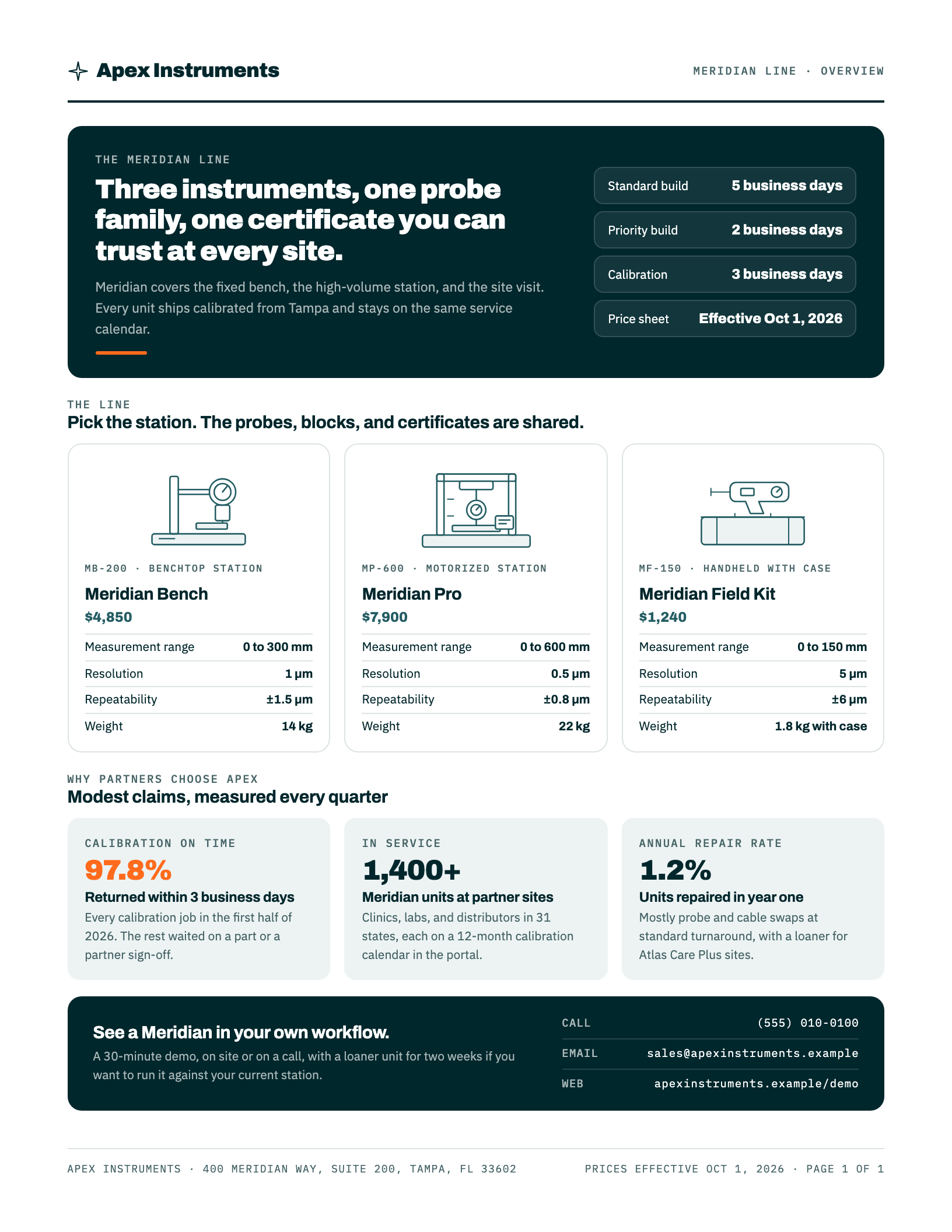
One-pagers, trifolds & catalogs
From a single product record to a one-pager, a trifold, and a full catalog.
How it is made ↗
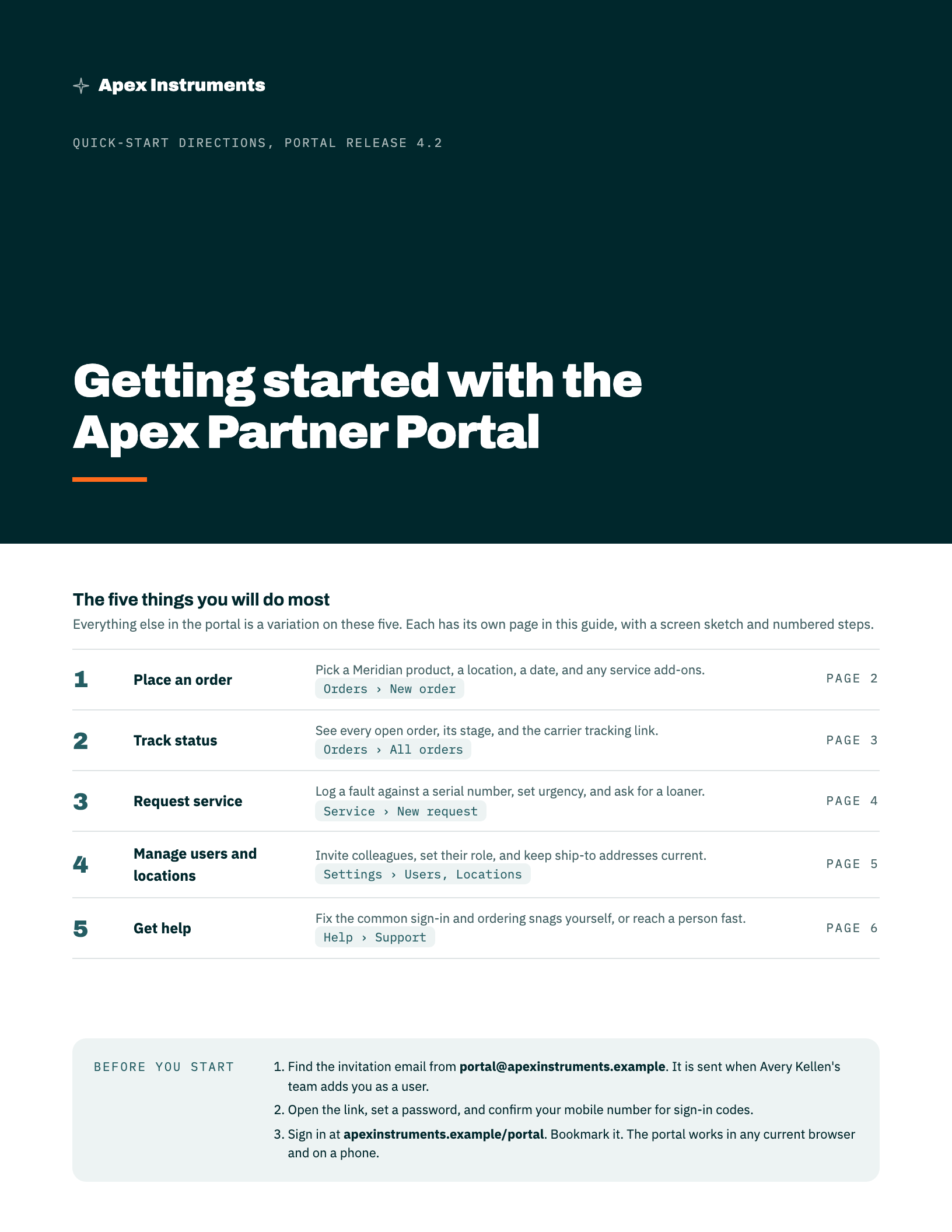
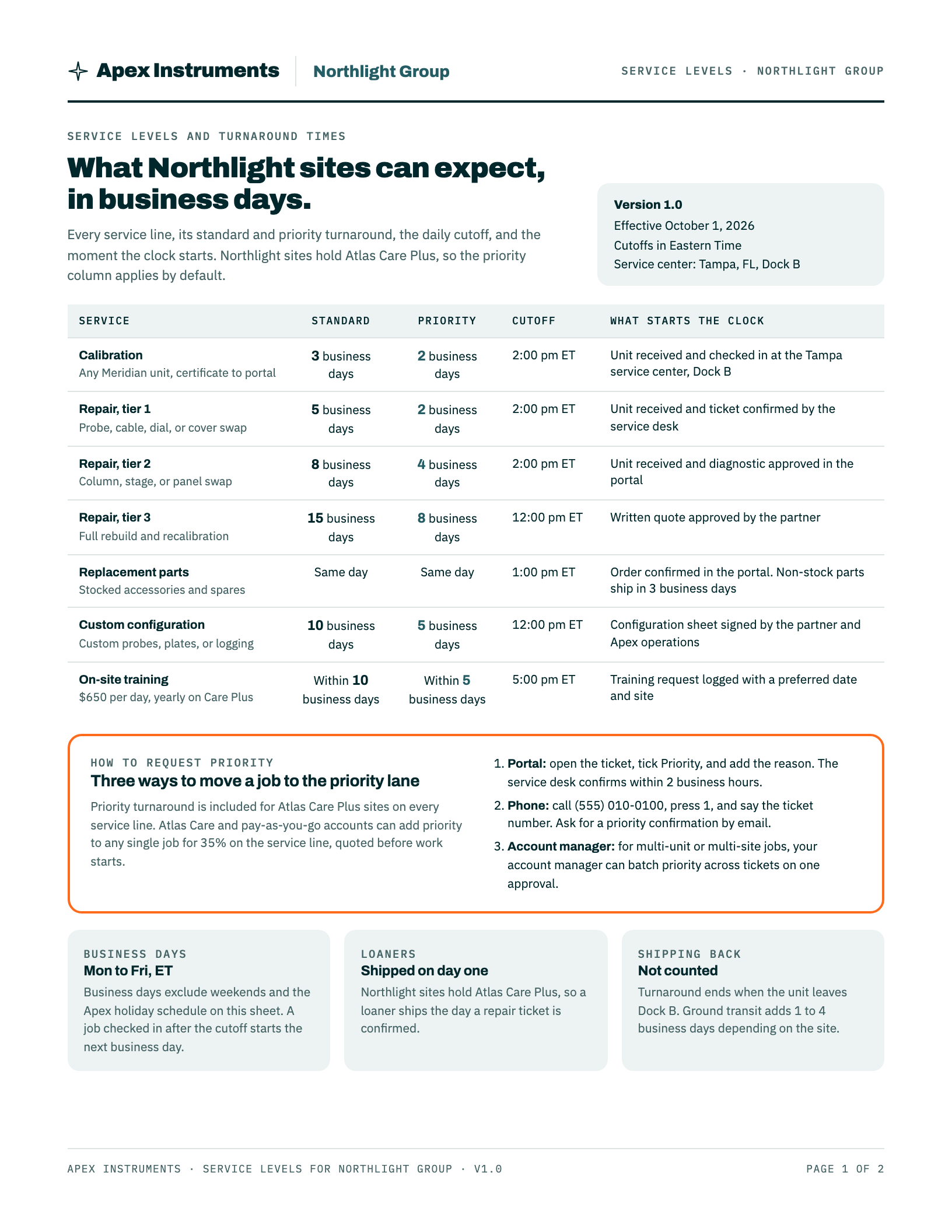
Turnaround-time sheets
Service levels, cutoffs, and holidays on one sheet that never contradicts itself.
How it is made ↗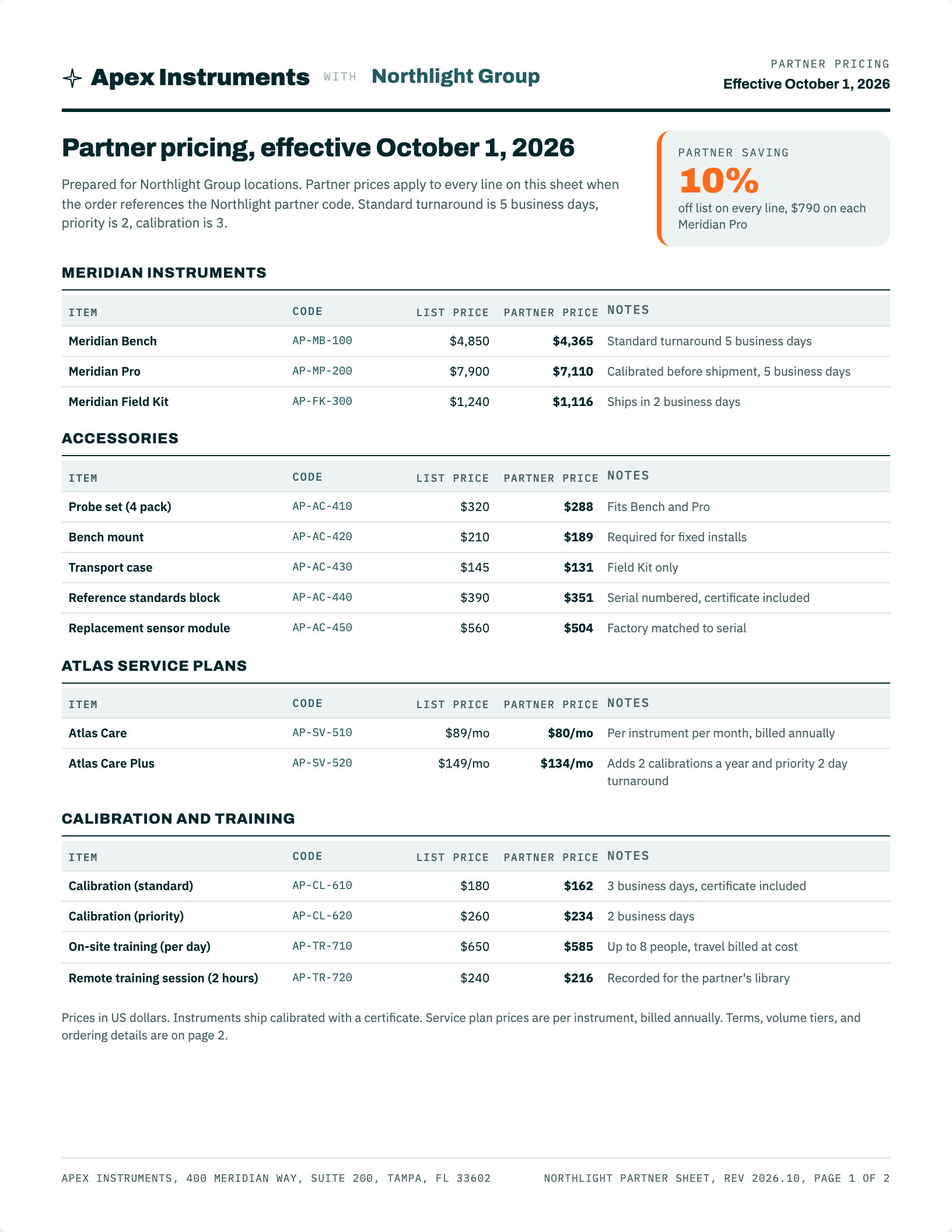
Price sheets
A partner price sheet generated from a spreadsheet, not typed into a layout.
Partner price sheet (Apex + Northlight Group) ↗General price sheet (list price only) ↗Pricing data (source of every figure on the sheet) ↗
How it is made ↗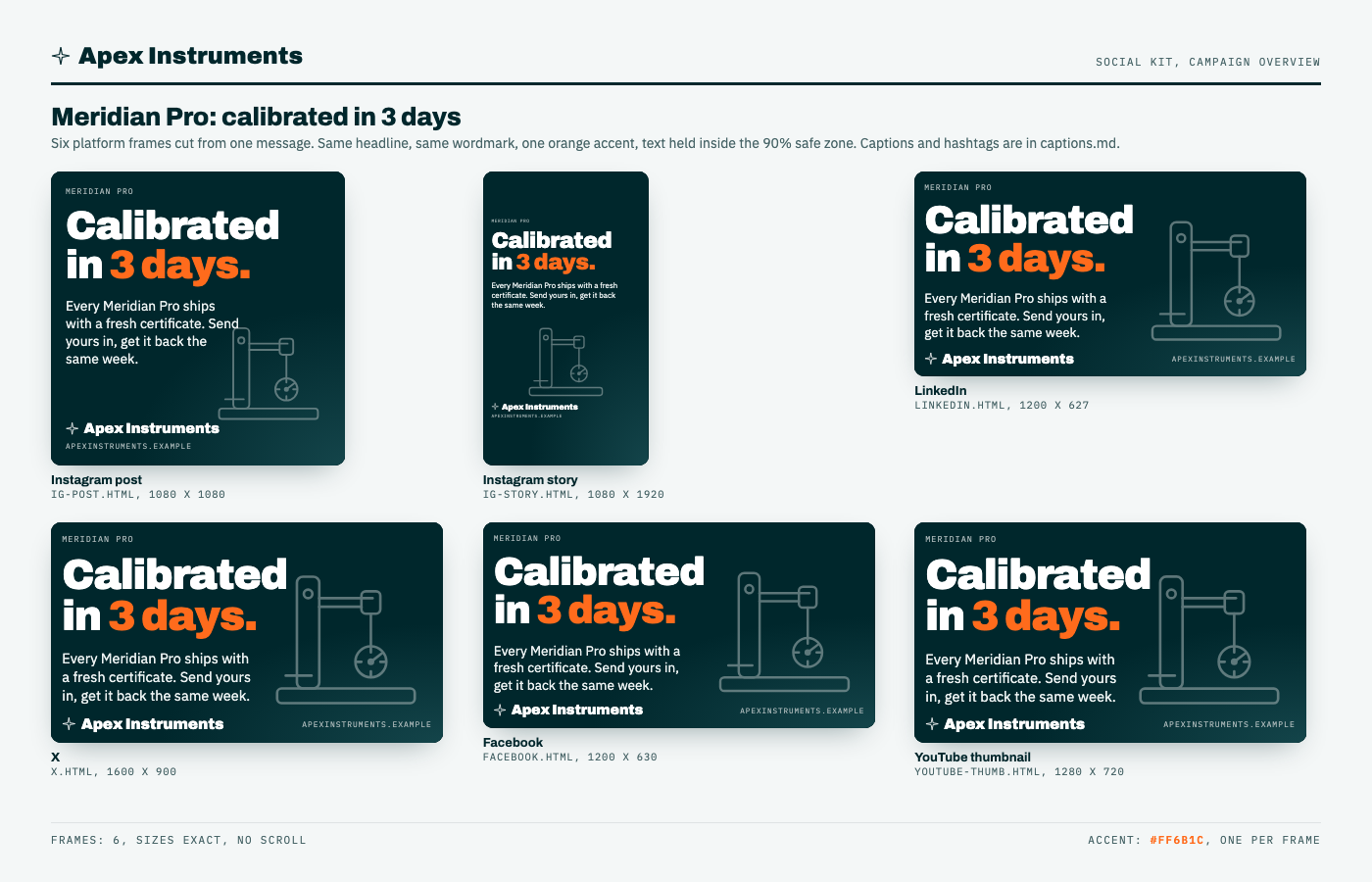
Social kits & platform graphics
One campaign line, six platform-sized frames, captions included.
How it is made ↗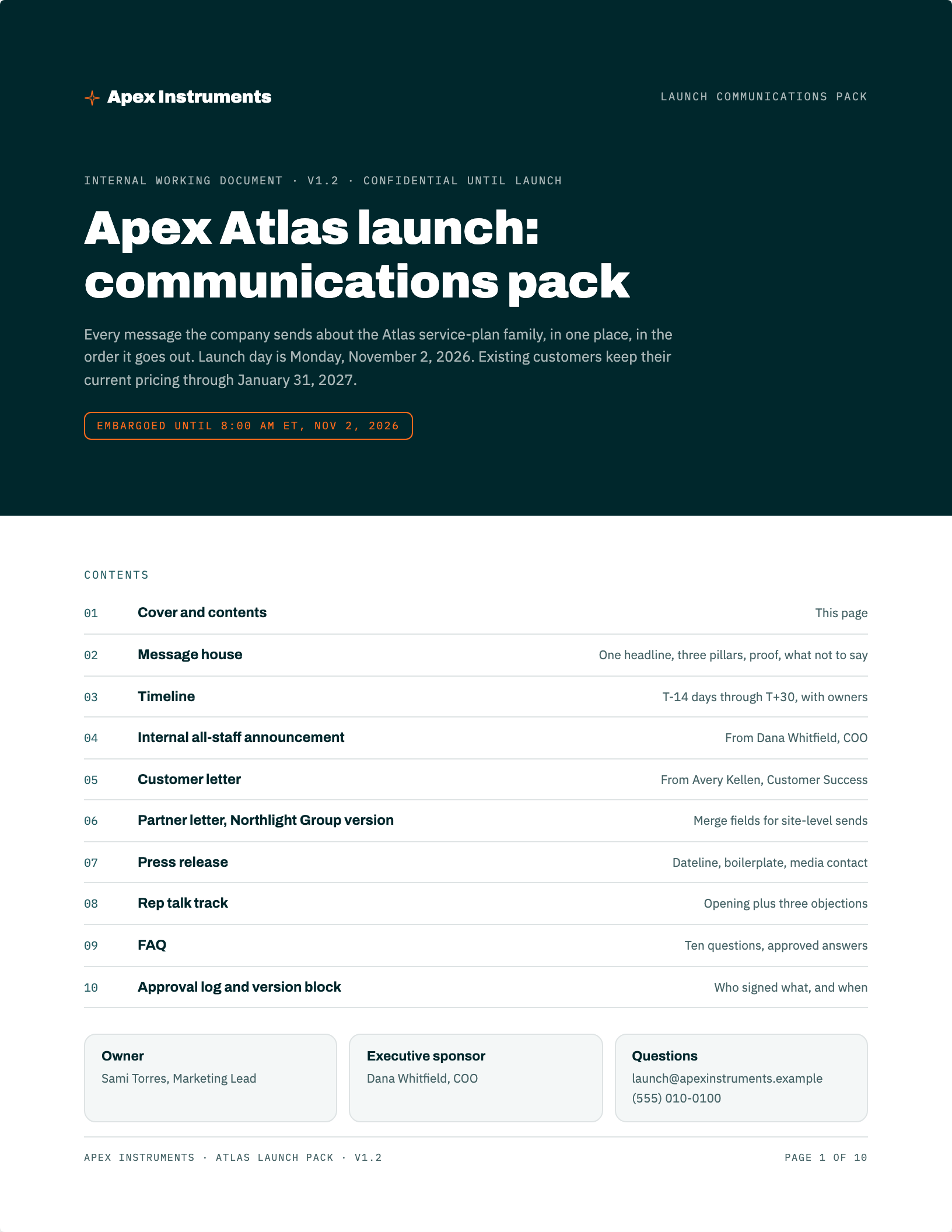
Launch communications pack
Everything a launch needs to say, in one file, in one voice.
How it is made ↗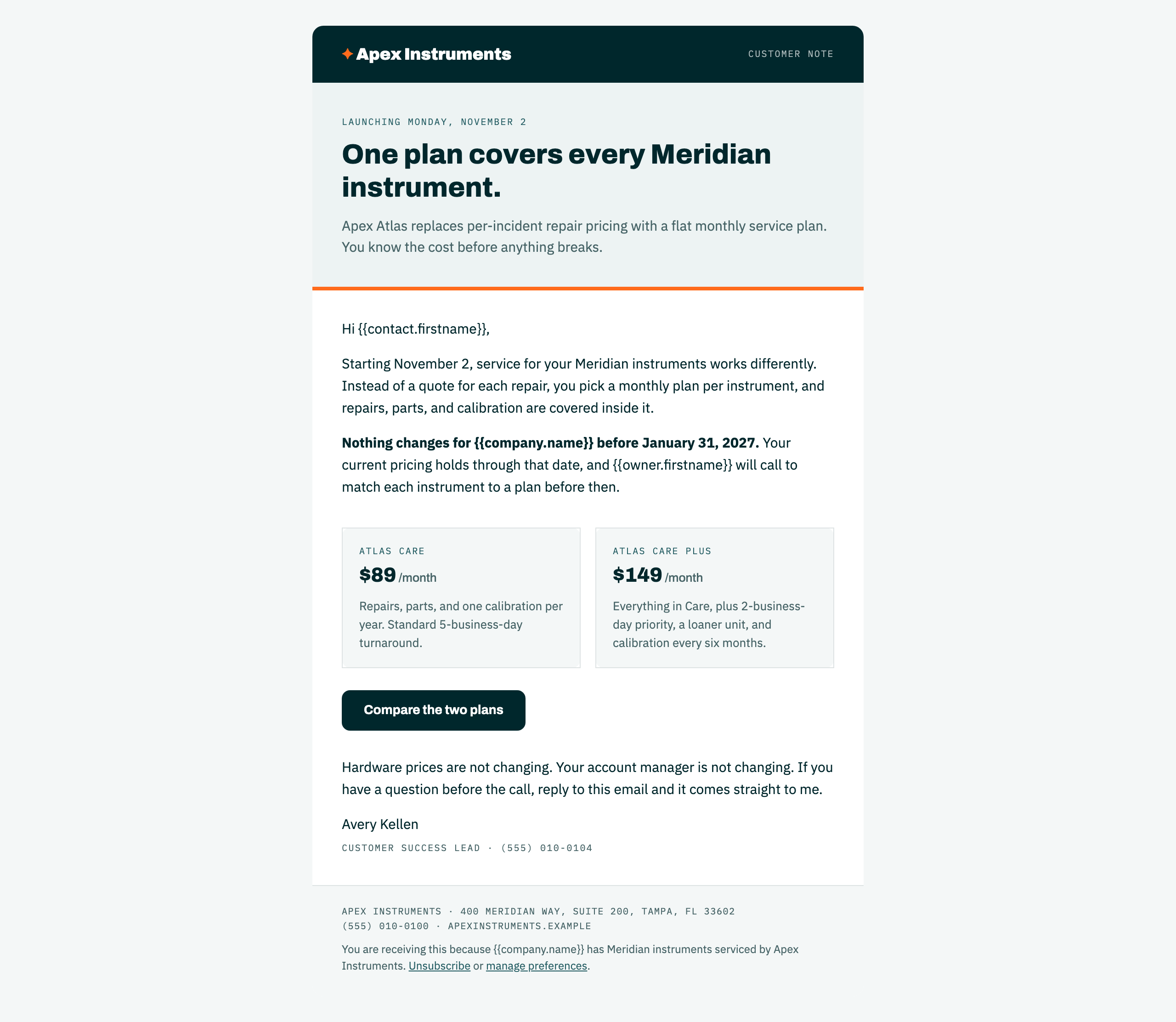
Email templates, sequences & webinar kits
A HubSpot-ready template, a five-email sequence, and a webinar in one folder.
Master email template (600px, table-based) ↗Nurture sequence map (5 emails) ↗Nurture sequence full copy ↗+1 more
How it is made ↗
Letterhead & signature generators
Two small browser tools so the team never rebuilds a letterhead or a signature by hand.
How it is made ↗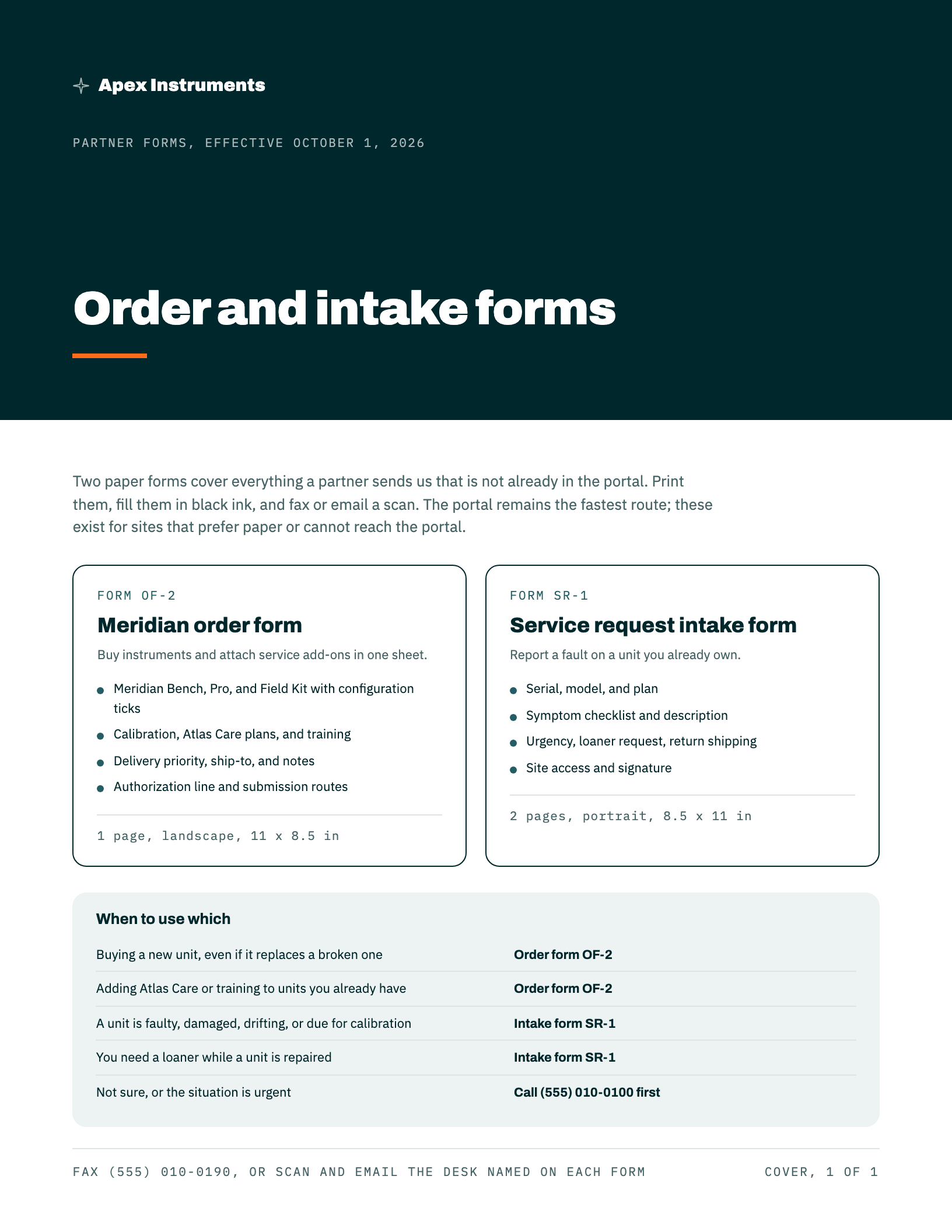
Order & intake forms
Landscape order forms and service intake forms that print right the first time.
How it is made ↗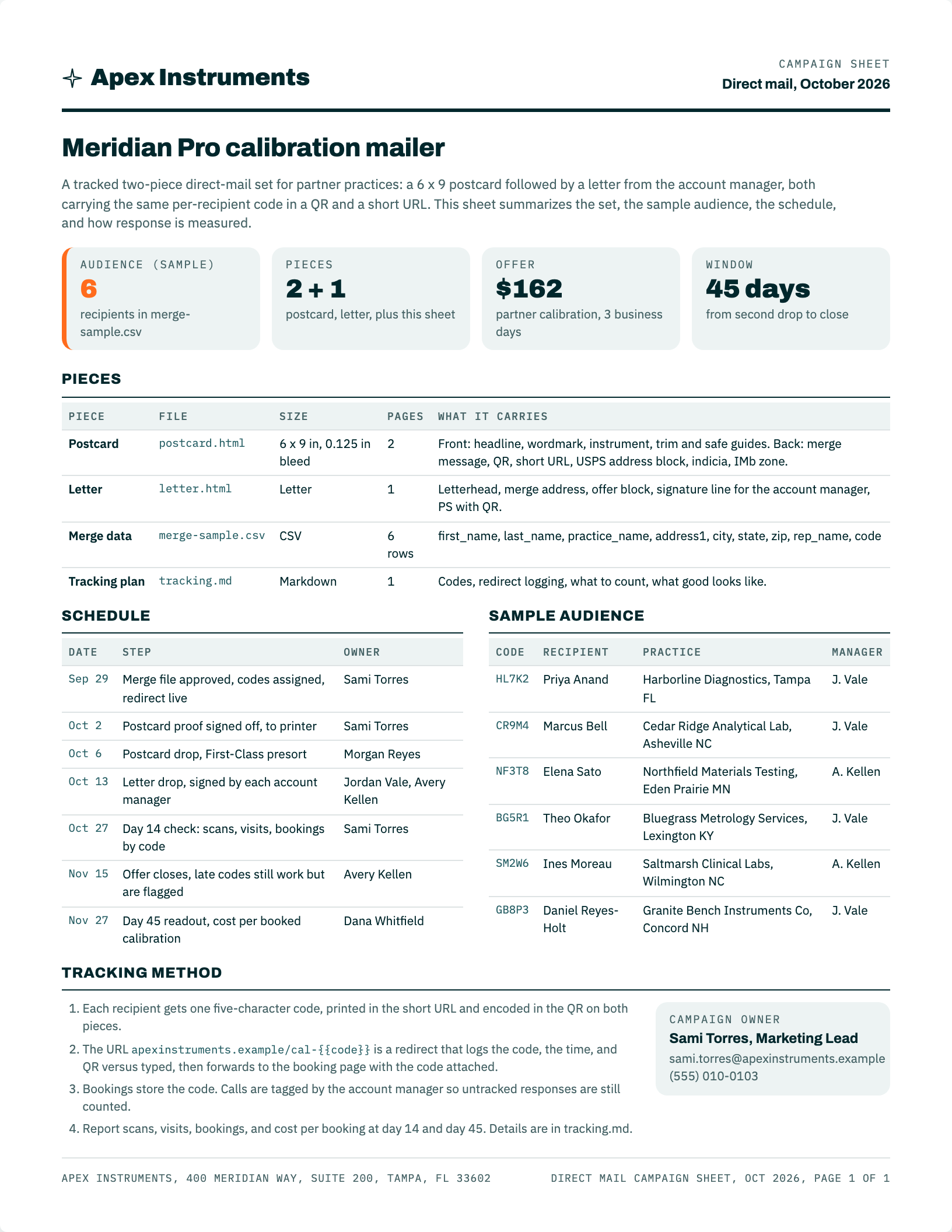
Direct mail
A postcard and a letter, mail-merged, QR-tracked, and print-specified.
Campaign sheet ↗Postcard, 6 x 9 with bleed (front and back) ↗Merge letter from the account manager ↗+3 more
How it is made ↗ASK THE BRAIN
Ask a question. Get the sources.
This searches the sample documents in this workspace and answers with the passages that match, each one linked to the document it came from. When nothing here covers the question, it says so. No model runs on this page.
Ask the brain, with citations
Every answer points back to the document it came from
This searches the sample company brain published on this site, a few hundred documents from the fictional Apex Instruments workspace. It is a keyword search with a citation trail, built here and running on this page. No model runs when you press Ask.
Questions this corpus answers well
Built as a new capability for djvonfrank.com. It is not connected to any client system.
Playbooks · the meta-story
How This Demo Was Built
This site is a working rebuild of a real production system — de-branded page by page with the same discipline the brain itself teaches.
The short version
- A real brain, in production. The original runs a live engagement: same architecture, same agents, same gates — with a real company’s facts inside.
- A full duplicate, kept local. The copy never touched a public URL while it still held client material; it ran on a local server the whole way.
- De-branded page by page. Every company, partner, and person was mapped to a demo replacement — same shape, zero real data. Names on prose carry an asterisk; the fictional client is Apex Instruments*, mid-rebrand, its new brand still an open
{{slot}}. - The deep pass. 600+ library files were content-scrubbed in place; anything a rename couldn’t make safe — transcripts, price data, source binaries — was neutralized and unlinked, marked Not in demo right in the tree.
- Gates, not vibes. Every pass ended with scrub-gate greps across every file, link crawls, and console checks. A clean-looking page that fails a gate doesn’t ship — the demo was built under the same rule it demonstrates.
What’s real vs what’s demo
| Real | Demo |
|---|---|
| The architecture, the code, the tree shape, the operating loop, the agents-and-skills design, the QA-fleet method | Every company, person, partner, number, price, date, and logo |
The tooling
Built and de-branded in Claude Code sessions — the same operator surface the brain teaches — with scripted map passes for the sweeps and hand editing for everything with judgment in it. The full change log is on the changelog, demo-formatted like everything else.
Want one built?
This whole system — the intake, the Brand OS, the brain, the training — is something I build for companies as an engagement. Email me and we’ll set up a time to talk through yours.